
How Keyhouse will work: proxy keys, a broker and scoped agent access
· Quentin Mitchell · 9 min read

This is the design I’m building Keyhouse toward. None of it is shipped yet, and parts will change once real traffic goes through it. I’m publishing it now because a product that holds your keys should be open to questions before it asks for your trust, and because the questions people ask will change the design.
If you haven’t read the introduction, the short version is this. Your hosts and agents get proxy keys. The real keys live in one place, and a broker attaches them to requests on the way out.
The parts

| Part | What it does |
|---|---|
| Proxy | Receives your app’s request, checks the proxy key, injects the real key and forwards the request to the provider |
| Vault | Stores real keys, encrypted |
| Control plane | Dashboard, REST API, CLI and MCP server, all calling the same operations |
| Host connectors | Read and write environment variables on hosts such as Railway, then trigger redeploys |
| Provider catalogue | One reviewed entry per provider, saying exactly where its key may go and how |
| Usage log | One row per proxied request, never the request or response body |
What happens on each request
Your app is configured with a base URL and a proxy key:
OPENAI_BASE_URL=https://openai.<your-keyhouse-gateway>/v1
OPENAI_API_KEY=kh_live_...
When it makes a call, the proxy:
- Terminates TLS on a hostname that belongs to one provider. The hostname fixes the destination, so the client can’t choose where the real key goes.
- Reads the proxy key from the place that provider’s SDK puts it, such as
Authorization: Bearer. - Looks the key up by its hash. Keyhouse never stores the proxy key itself.
- Checks, in order, that the key is active, that it belongs to this provider, that the caller matches any binding, and that rate and spend limits allow the call.
- Removes every credential the client sent, then puts the real key in the one place the catalogue names for that provider.
- Forwards to the catalogue’s exact upstream host. It never follows a redirect with the key attached.
- Streams the response back without buffering it and writes one usage row with the time, caller, method, path, status, latency and, for LLM providers, token counts.
Each provider gets its own hostname because some SDKs only let you change the hostname, not the path. The Stripe Node SDK is one. A few SDKs, Twilio’s among them, have no base URL option at all. Those will need an HTTPS_PROXY mode later, and it isn’t in the first version.
The provider catalogue
The catalogue is a versioned data file, changed only through review. Each entry lists the exact upstream host, where the key goes and in what format, which client headers and query parameters to strip, and the environment variable names to write onto hosts.
Hosts are never wildcards for bearer keys. If a Supabase service key were allowed for *.supabase.co, someone could send it to a project they own and read it from their logs. Providers like that get the customer’s exact project URL instead, recorded when the key is added.
Proxy keys
A proxy key is 32 random bytes with a kh_live_ or kh_test_ prefix and a checksum. The prefix and checksum let secret scanners recognize a leaked Keyhouse key, and I plan to register the format with GitHub’s secret scanning partner program so keys pushed to public repositories get revoked automatically. Keyhouse shows a proxy key once, or writes it straight into a host, and then keeps only its hash.
Each proxy key belongs to one app, one provider and one environment, and records its placements: where it lives, such as a Railway project, service and variable name. Placements are declared when Keyhouse or an agent writes the key somewhere, and observed from the usage log. A key declared on one host but called from somewhere unexpected raises an alert.
How real keys are encrypted
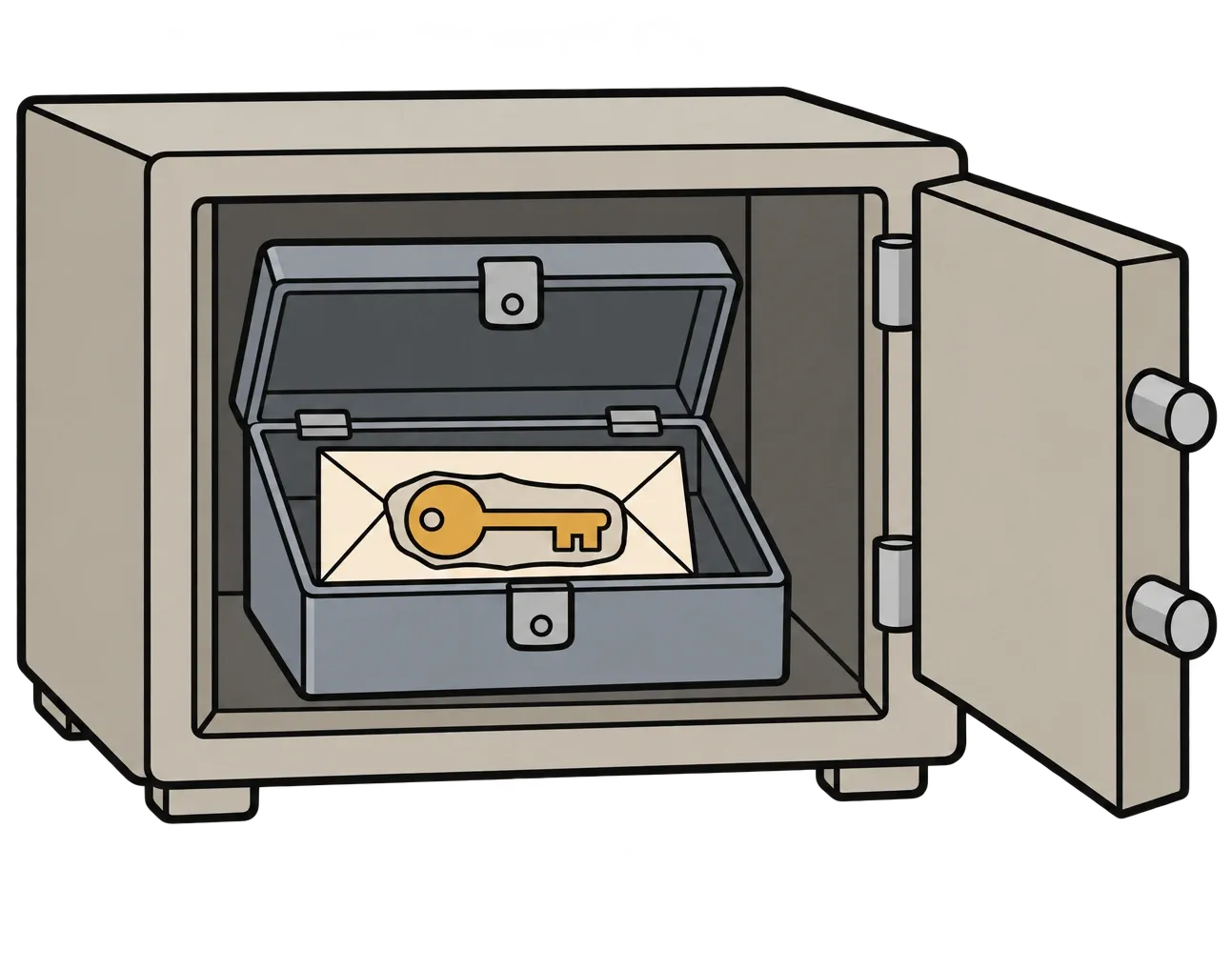
Real keys use envelope encryption:
- Each real key is encrypted with AES-256-GCM. The workspace and credential IDs are bound to the ciphertext as associated data, so a ciphertext copied into another row won’t decrypt.
- Each workspace has its own data key, which is itself encrypted by a key held in a cloud key management service. That outer key never leaves the service.
- Only the proxy may decrypt. The dashboard can encrypt new keys but can’t decrypt existing ones. So someone who takes the dashboard, the database or both still gets no real keys.
- The proxy decrypts a key for the request it’s sending and drops the plaintext afterwards. Real keys never appear in logs, API responses, error messages or MCP output, and there’s no export endpoint.
Self-hosters get the same split by running OpenBao’s Transit engine with an encrypt-only policy for the dashboard and a decrypt-only policy for the proxy, or by pointing at their own cloud key management service. A local key file will work for development, with a warning on every start.
Keyhouse is not end-to-end encrypted, and can’t be, because the proxy has to send your real key to the provider. Someone running a proxy could read keys passing through it by changing its code. Running the proxy yourself is the answer for anyone who doesn’t want to trust the hosted one.
Where the hosted proxy runs
The hosted proxy will run on Cloudflare Workers by default. Workers run in Cloudflare’s locations around the world, close to wherever your apps run, and they handle streaming responses. I also don’t have to operate servers that sit in the path of everyone’s production traffic.
There are trade-offs I haven’t fully solved:
- Workers don’t have fixed outbound IP addresses. Some providers let you restrict a key to specific IPs, which makes a stolen real key useless elsewhere. For people who want that, a proxy on Fly.io with static outbound IPs will be an option.
- How the Worker gets permission to decrypt without storing a long-lived cloud credential is an open question. I haven’t yet found a way for a Worker to prove its identity to a cloud key management service without a stored credential. If nothing better turns up, that credential will be tightly scoped to decryption, monitored, and documented as a known weak point.
You won’t have to run a proxy yourself. Self-hosting is an option, never a requirement.
Short-lived tokens instead of a proxy, where providers allow it
Some providers now accept short-lived tokens in place of long-lived API keys. OpenAI and Anthropic support workload identity federation, and AWS and Google Cloud have for years. For those providers the plan is for Keyhouse to act as the identity provider the provider trusts. Your app asks Keyhouse for a token that lasts minutes and calls the provider directly. No proxy sits in the request path and no long-lived key sits on the host. How this works for each provider is still being designed.
Binding keys to callers

A proxy key on its own is a bearer token, so it works for whoever holds it. Binding narrows that. Each key can require one of:
- an OIDC token from the workload, which GitHub Actions, Vercel and Fly.io can all issue
- a caller IP within a set
- an mTLS client certificate, for self-hosted apps
Not every host gives workloads a verifiable identity. On those hosts, proxy keys stay bearer tokens in the first version, protected by spend caps, alerts and an incident lock. Turning on the lock for a host restricts every key there to the callers seen in the last seven days. It takes effect within seconds and needs no redeploy.
Rotation and incidents

Each key has a Rotate button, and each connected host has “Rotate all on this host”. Both run the same operation as the MCP tool your agent can call. You choose a mode:
- Emergency. Old keys stop working immediately.
- Graceful. Old keys keep working until the usage log shows each service calling with its new key, then they stop.
When it finishes, Keyhouse reports by app what changed, which services redeployed, and any placement it couldn’t update automatically, with exactly where that placement is. It also lists every use of the old keys in the previous 48 hours.
The target for revocation is under five seconds everywhere. If the control plane goes down, the proxy keeps serving existing keys from its cache. New keys and rotations wait, and a proxy that loses contact for too long stops serving instead of acting on stale data. The exact time limit is still open.
How agents get access
Everything in Keyhouse is defined once and served four ways: dashboard, REST API, CLI and MCP server. An agent can do anything the dashboard can, but only what a person has approved.
Each agent client connects with its own OAuth identity, following the MCP authorization spec. That identity can read the catalogue, meaning providers, apps, key labels and placements but never values, and it can ask for access. Nothing more.
To act, the agent requests a grant:
| Field | Rule |
|---|---|
| What | Specific keys, or every key for an app, provider or host. A selector is frozen to the exact key list shown when you approve |
| Actions | use, create, rotate, revoke, view_usage |
| Duration | 15 minutes by default, 24 hours at most, enforced by a database constraint as well as code |
| Reason | One line from the agent, shown to you as quoted text |
You approve, narrow or reject the grant on Keyhouse’s own approval page, which shows only facts the server has verified, such as the agent’s registered name, the exact keys and the duration. The agent’s reason is displayed as plain quoted text, labeled as written by the agent. A passkey is the default way to approve. If that’s more friction than you want, you can switch to an authenticator code in settings. Changing that setting itself needs a passkey, so an agent can’t relax it for you.
Grants are checked on every call, not only when issued, and you can end one early. When an agent needs to call a provider itself, a use grant gives it a session proxy key that dies with the grant. That’s the only key value an agent ever sees.
Standing policies can skip repetitive approvals, such as “this agent may always view usage” or “auto-approve one-hour development keys for OpenAI”. They can never auto-approve rotating or revoking production keys.
Some actions are never available to agents at all: approving or widening grants, writing a real key, connecting a host account, managing passkeys, and exporting anything. Reducing access works the other way. An agent can always revoke a key or end its own grant without asking, because that shouldn’t wait during an incident.
Every API and MCP call writes an audit row with the person, the agent client, the grant and the result. The log is append-only and hash-chained, so a deleted or edited row breaks the chain.
What the first version won’t cover
The first version handles HTTP API keys. Database connection strings, webhook signing secrets, JWT signing keys and wallet private keys will be listed and tracked, but they stay on the host. An inbound webhook relay is the first planned addition after that. Wallet signing is better left to a custody provider, and I don’t plan to take it on.
Open questions
- How the hosted proxy on Workers gets decrypt rights without a long-lived cloud credential.
- How long a proxy region may serve from cache after losing contact with the control plane.
- Whether to forward the caller’s IP to providers or strip it. Stripping is more private, while forwarding helps providers’ abuse checks.
- What standing policies should allow by default.
If you have opinions on any of these, or see a hole in the design, I want to hear it before I build it. Join the waitlist to follow along.
Credit
Fly.io’s open-source Tokenizer showed how to inject secrets at a proxy so the app never holds them, and I’ve learned a lot from its code. Fly.io isn’t involved with Keyhouse. Any code borrowed from Tokenizer will keep its Apache-2.0 notices.
Quentin